My AI Presentation Workflow that Reduced Time Spent by 80%
From Google Form to Leadership Deck in 48 Hours
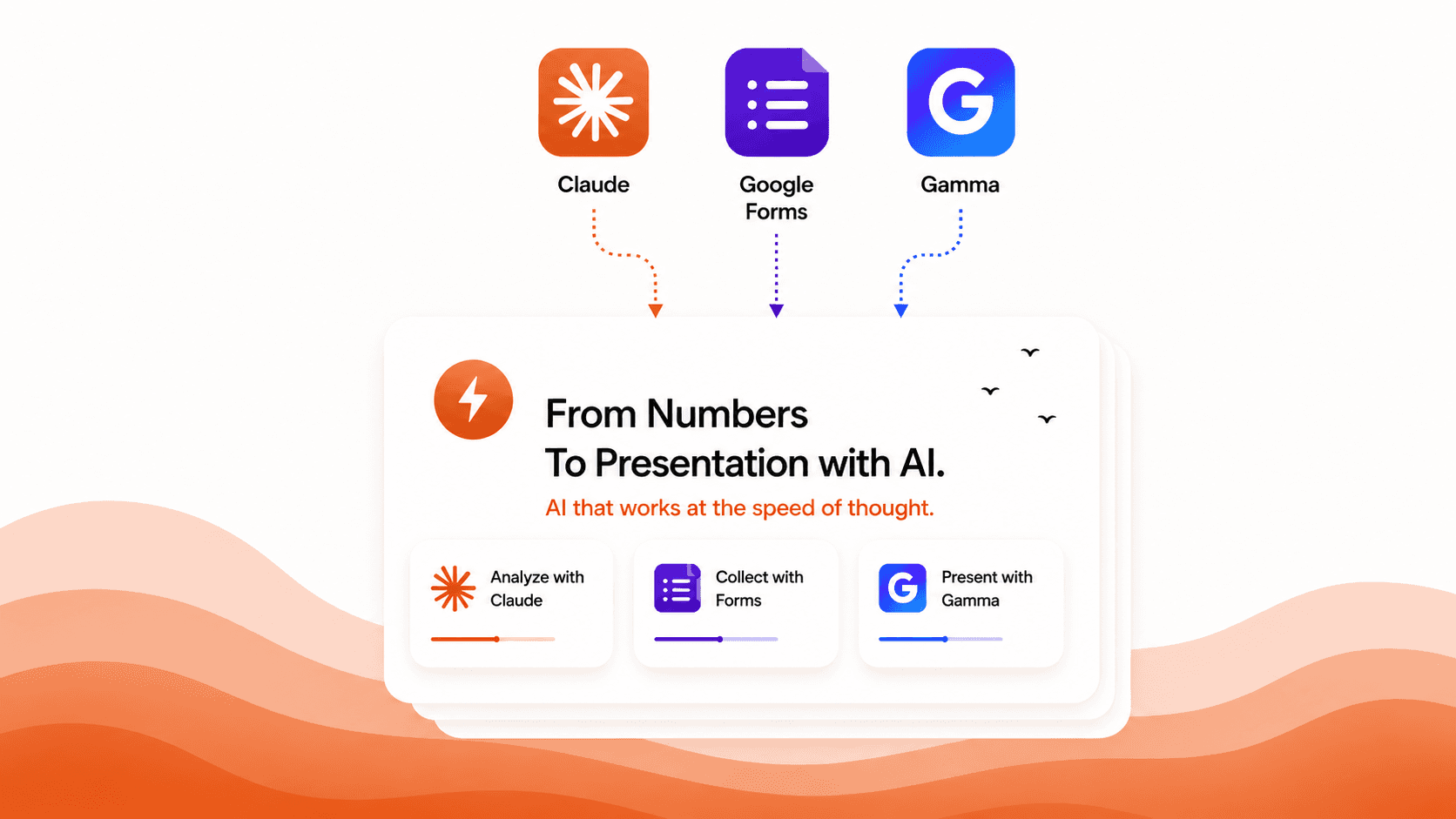
I had 21 research participants, a deadline, and a leadership usability testing presentation to deliver. What I did not have was weeks to spend on it. So I built a workflow using AI tools that turned everything around fast without losing the strategic depth.
4 mins
My Role
Usability Testing Researcher
Final Presentation
Figma Slides
Tools I used in my AI Workflow
Google Forms
Granola Meeting Notes
Claude Cowork
Gamma AI Presentation
I was leading a research study on a new product experience for a major telecom brand. My team ran moderated sessions captured raw interview data: satisfaction scores, task results, observations, and direct quotes from real users in Google Forms. By the end I had a full spreadsheet of responses and a folder of meeting notes.
The goal was to turn all of that into a presentation that leadership could actually act on. Not a report. A sharp, visual deck that told a clear story of the usability testing for a major product launch.
I needed to deliver 3 strategic UX recommendations in a deck about 21 real customers who tested 6 key tasks in the product flow.
My AI Workflow Step by Step
My Workflow
Google Forms
I designed the usability research form with AI to capture task completion, ease scores, price perception, satisfaction ratings, and participant quotes across every user session. Then I downloaded the responses as a CSV and uploaded it directly into Claude.
Granola, AI Meeting Notes + Claude
I used Granola to record my product team walkthrough in full. I uploaded those notes, the CSV, and the brand's visual identity guidelines into Claude. It ran the full analysis, extracted the exact brand colours and fonts for everything downstream, and through that conversation I shaped the overview from the Usability Research and Design Strategic recommendations I brought to leadership.
Gamma, AI Presentation Tool
I connected Claude directly to Gamma and generated the full presentation in one go. Every data slide came out as a real visualisation: stacked bar charts, donut charts, score dials. I used Gamma's AI agent to go back in, tweak individual slides, and sharpen how the data was presented until it was ready for a leadership panel.
Iteration + Figma
Each time participant numbers grew, I downloaded the latest CSV, asked Claude to recheck every number, and pushed a refreshed deck through Gamma. Once it was final, I moved it into Figma so my team could collaborate, refine the recommendations and get it presentation-ready for the leadership session.
Leadership does not read slides. They scan them
I knew from the start that if the data was not visual, it would not land. So I pushed in every prompt for charts on every data slide, not numbers sitting in a list. A stacked bar chart showing exactly where users needed help across six tasks. A donut chart showing how many people hesitated right before hitting pay. Score dials showing confidence levels at the end of the flow.
When the visuals were strong, the story told itself.
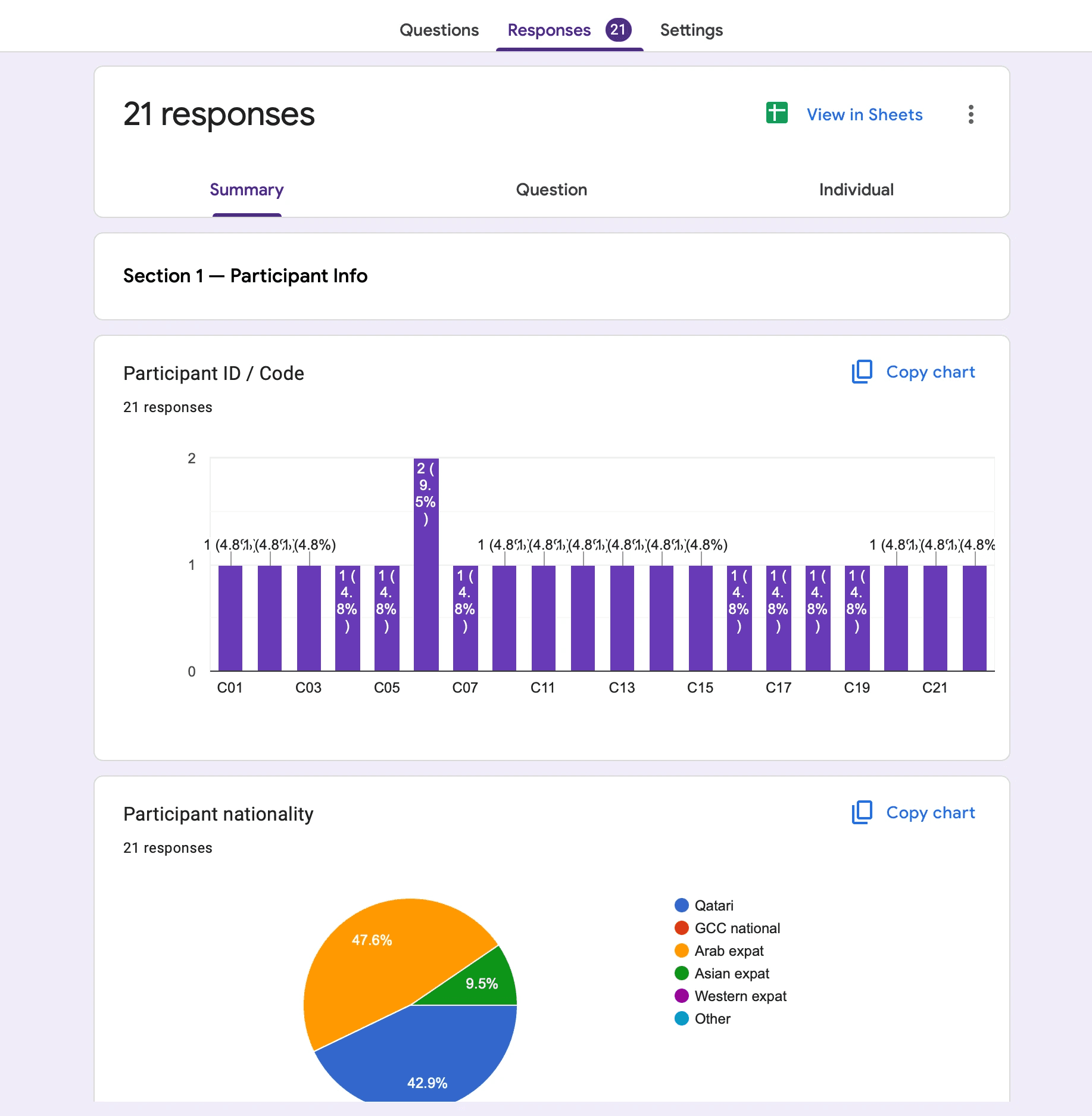
Google Forms built with AI includes responses summary of 21 Research Participants in Usability testing
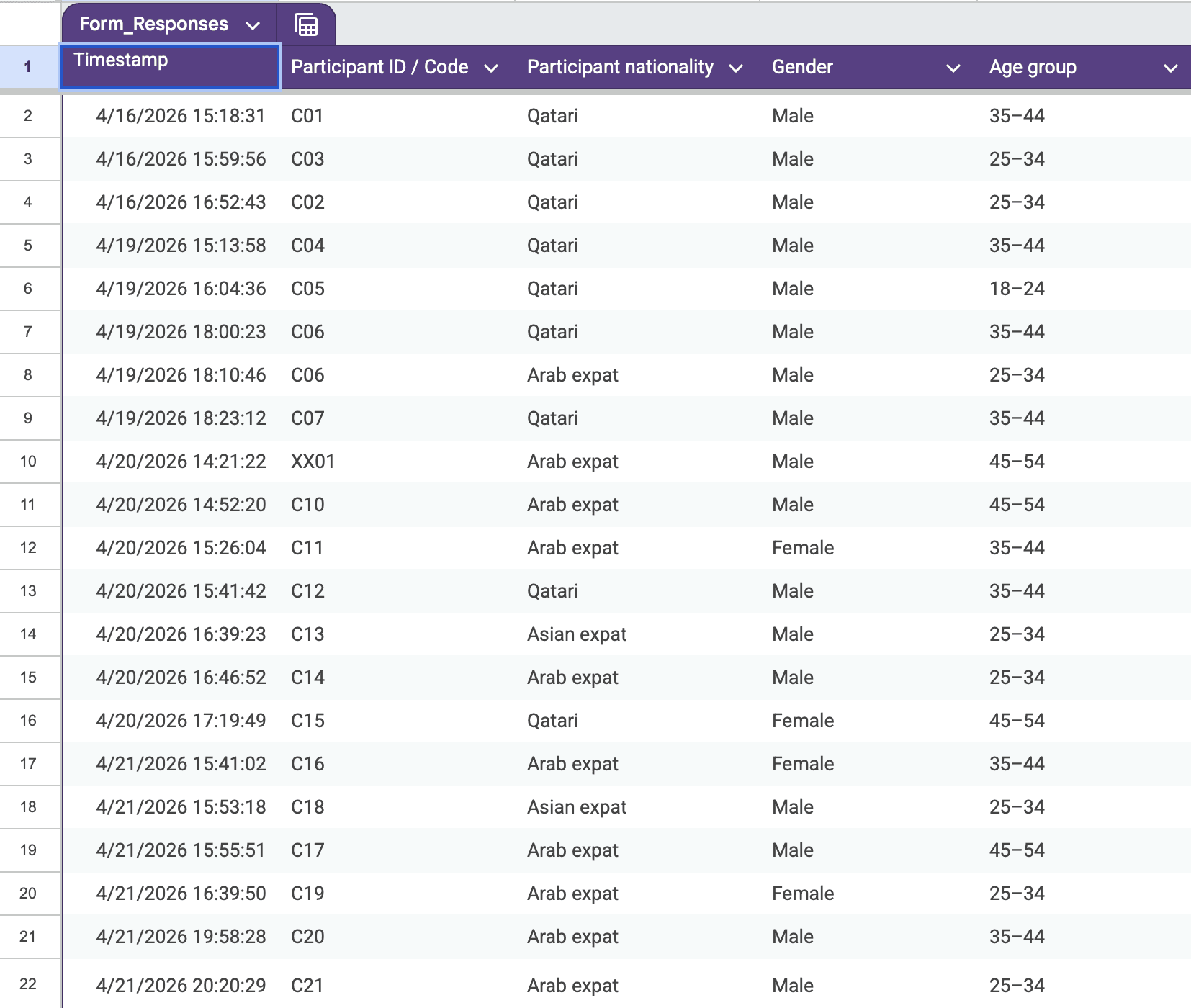
CSV Sheet of all Usability Sessions exported from Google Forms
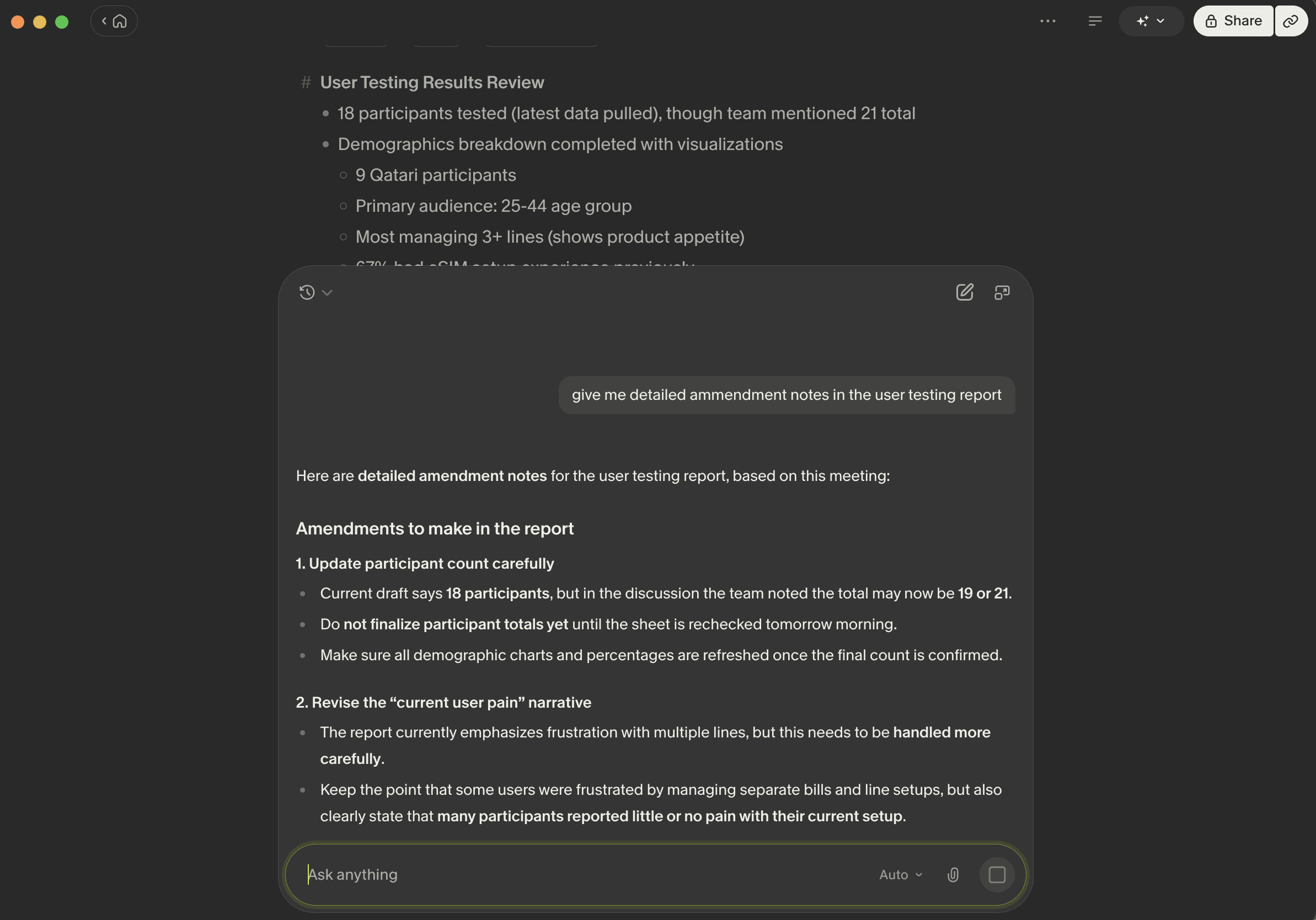
Granola Meeting Notes providing me detailed notes on the meetings with analysis I presented on research
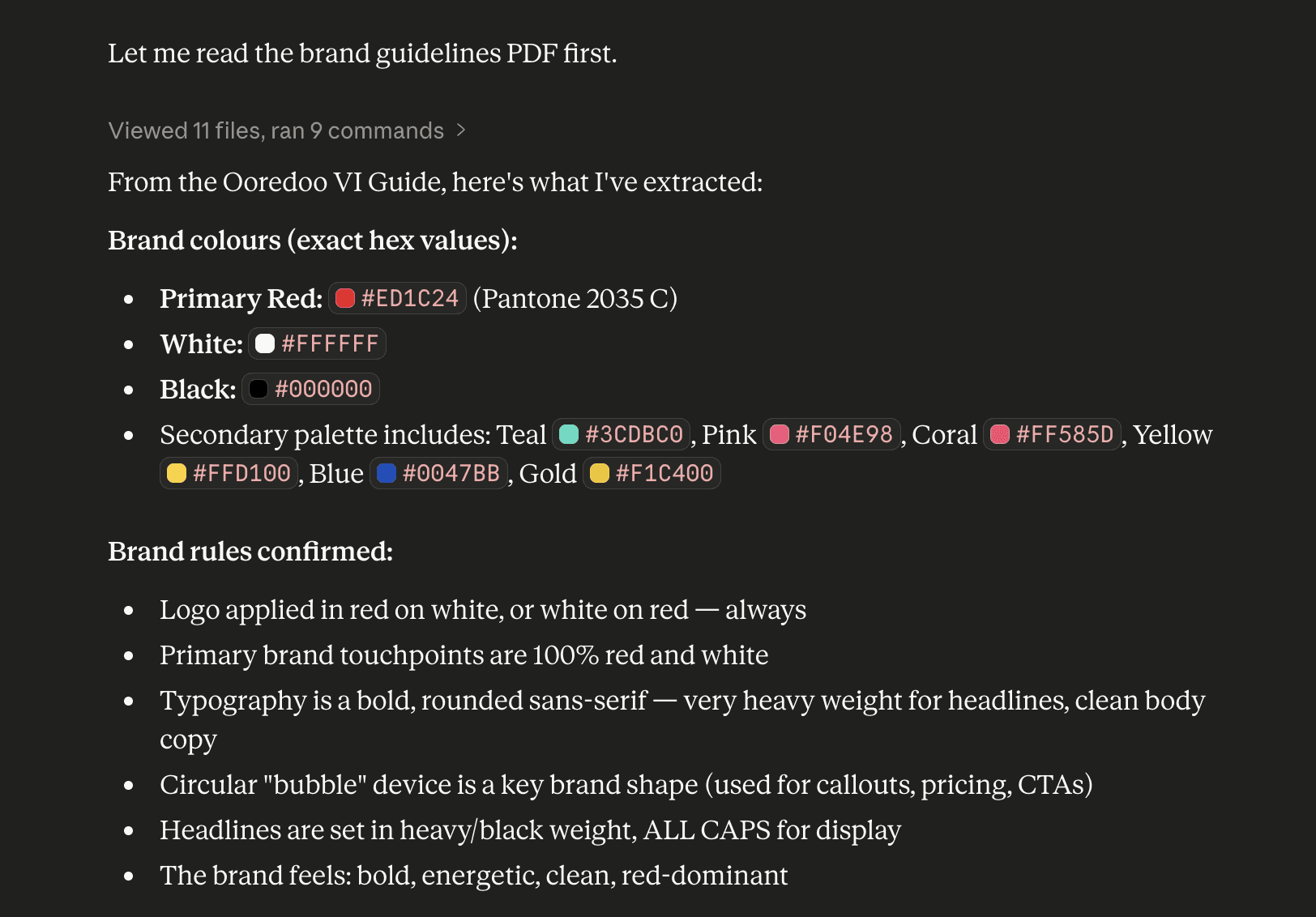
In Claude I added the Research responses CSV + Granola Notes + Brand Guidelines to build the Presentation deck
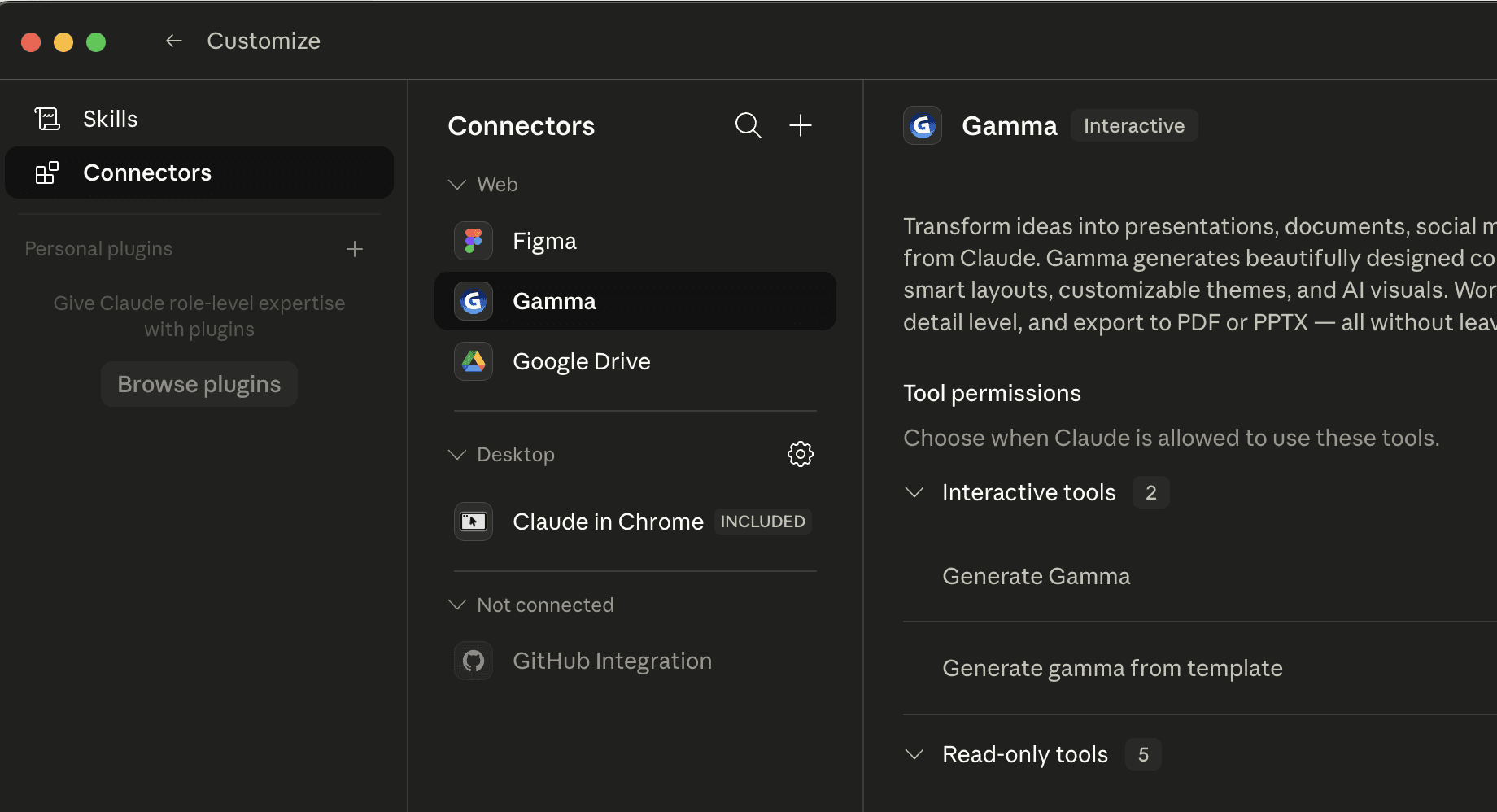
I connected Claude with Gamma AI Presentation Connector to feed Brand Guidelines
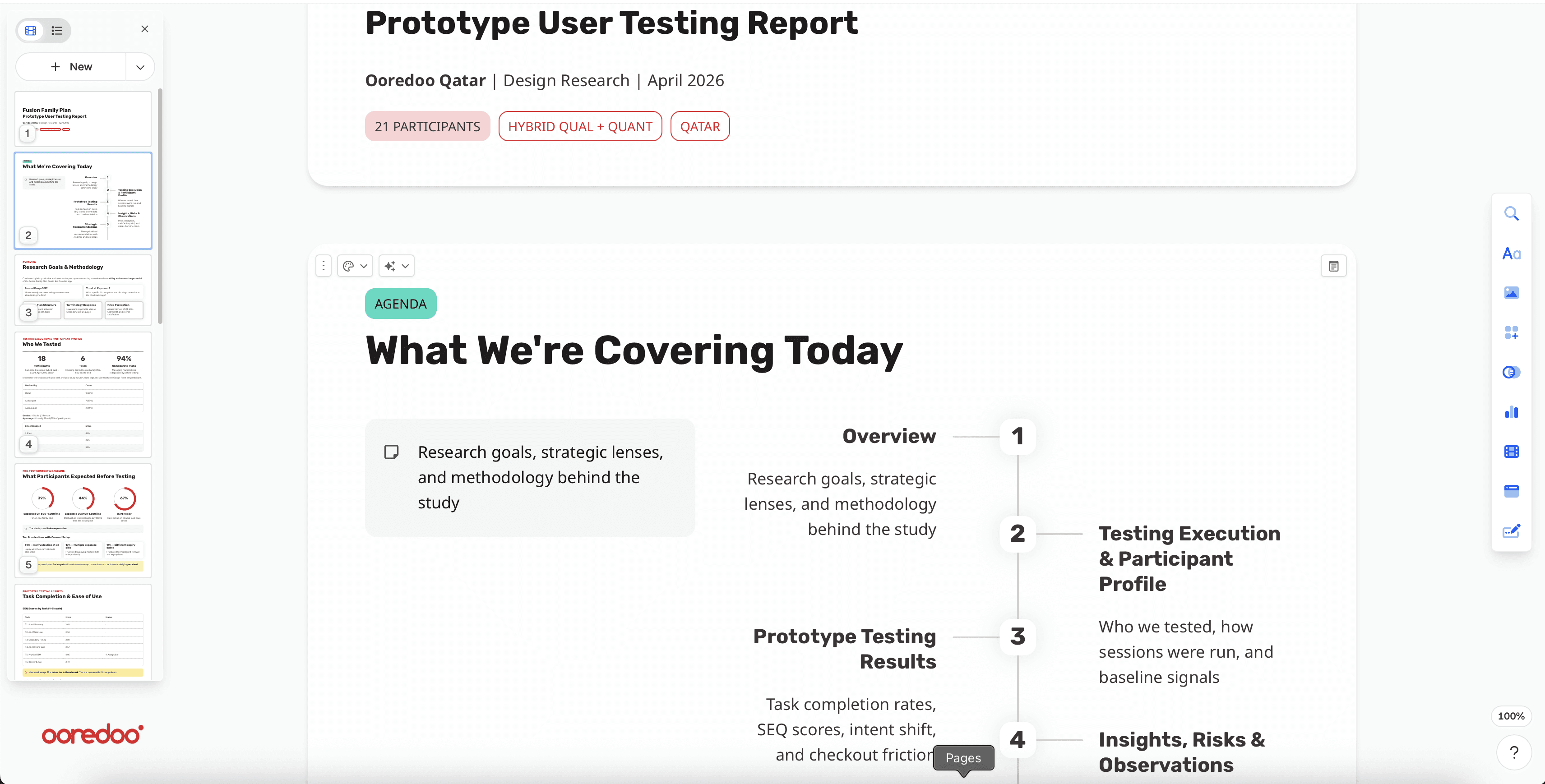
Gamma AI Presentation deck put all slides with the analysis I finalised with Claude on Usability Research
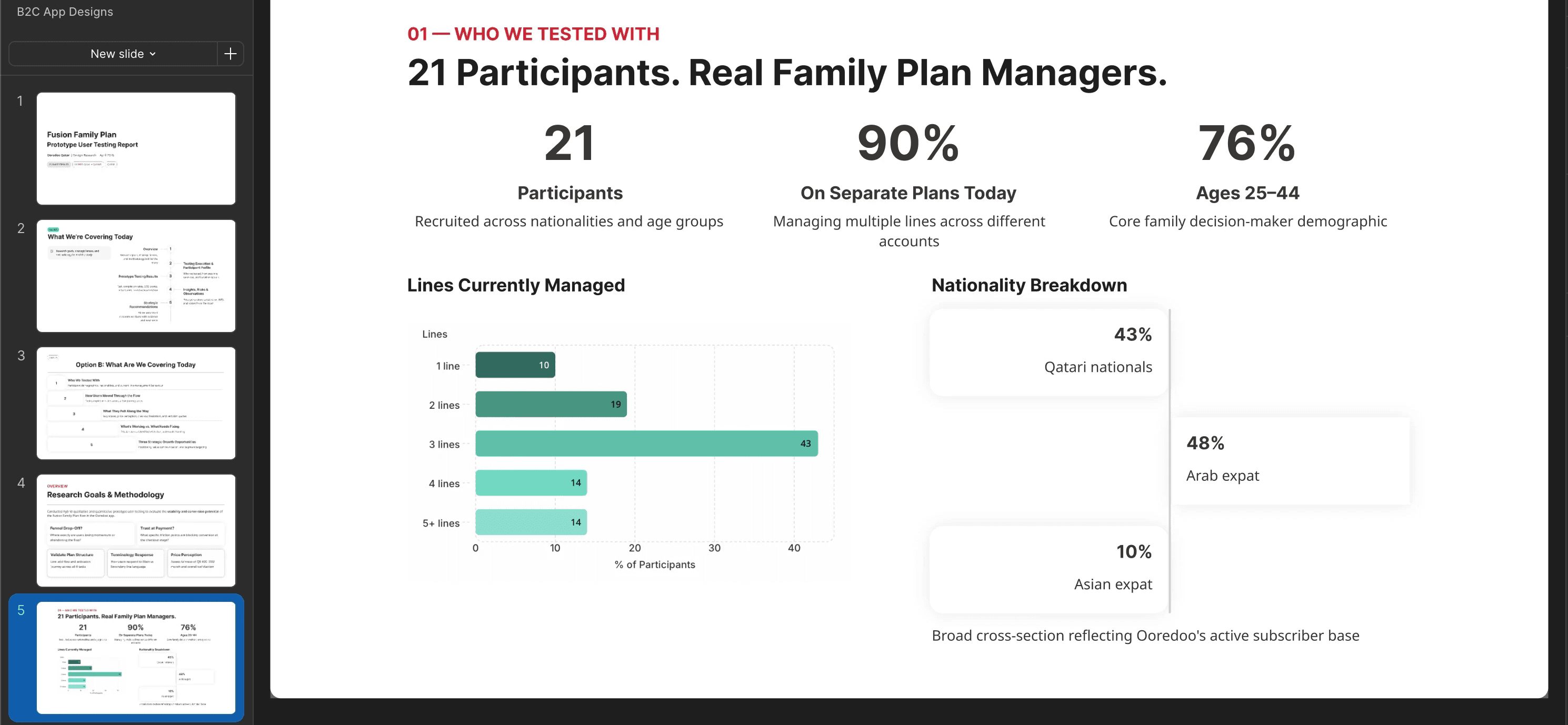
After tweaking the slides of data visualisations with AI Agent in Gamma and cross checking entire numbers & narrative, I used a plugin to export slides to Figma for team collaboration.
What I Actually Learned
→ Give your LLM the full context from the start. The product meeting notes were just as important as the research responses spreadsheet. Without them the analysis would have been numbers without meaning.
→ Always verify the numbers yourself. Gamma visualised one chart incorrectly. I caught it because I stayed close to the raw data throughout.
→ Ask for meaning, not just output. My best prompts were not "summarise this." They were "what does this mean for how we should position the product?" That is where the strategic value came from.
→ AI compresses the groundwork so you can spend more time on strategy. The analysis and first deck draft that would have taken me two full days took a few focused hours.
→ Your thinking is The Product. The deck landed well in the room because the recommendations were sharp and specific. Those came from me understanding the research deeply. The tools just helped me get there faster.
My Honest Take
AI did not run the research. Real moderators sat with real customers, asked real questions, and made judgment calls about what they were observing. That part cannot be automated and should not be.
What AI did was collapse the distance between a folder of raw information and a finished, branded, leadership-ready output. It handled the number crunching, the pattern recognition, the formatting, the brand compliance check, and the first drafts of every recommendation slide.
What it could not do was understand why a customer looked confused at a specific screen. Read the frustration behind a quote. Decide that one particular finding about price expectations was the most important thing in the entire dataset and deserved to anchor the whole recommendations section. That judgment was mine
Read the Next Blog
© 2026 Design Portfolio All rights reserved. Designed by Bisma Munawar