Figma
Screens, layout, structure, spacing. First-pass interactions.
Product Animation remains untapped by AI
AI is genuinely replacing parts of Product Design job. Layouts. Copy variants. Component iterations. Fast, cheap, good enough.
But animation? The judgment behind why something moves and what it communicates at a product level - that's still human work.
This post is about that judgment in practice.
4 mins
My Role
UX Animator
Platform
Figma
Product Animations by
Lottie Files & Jitter
The Project: An offer unlock experience in B2C Telecom Mobile app, end to end
A user lands on an offers page, selects an offer, and new offers unlock. Four animation surfaces: homepage, landing page, offer selection, unlocked state. Simple to describe. Genuinely hard to get right.
The Workflow
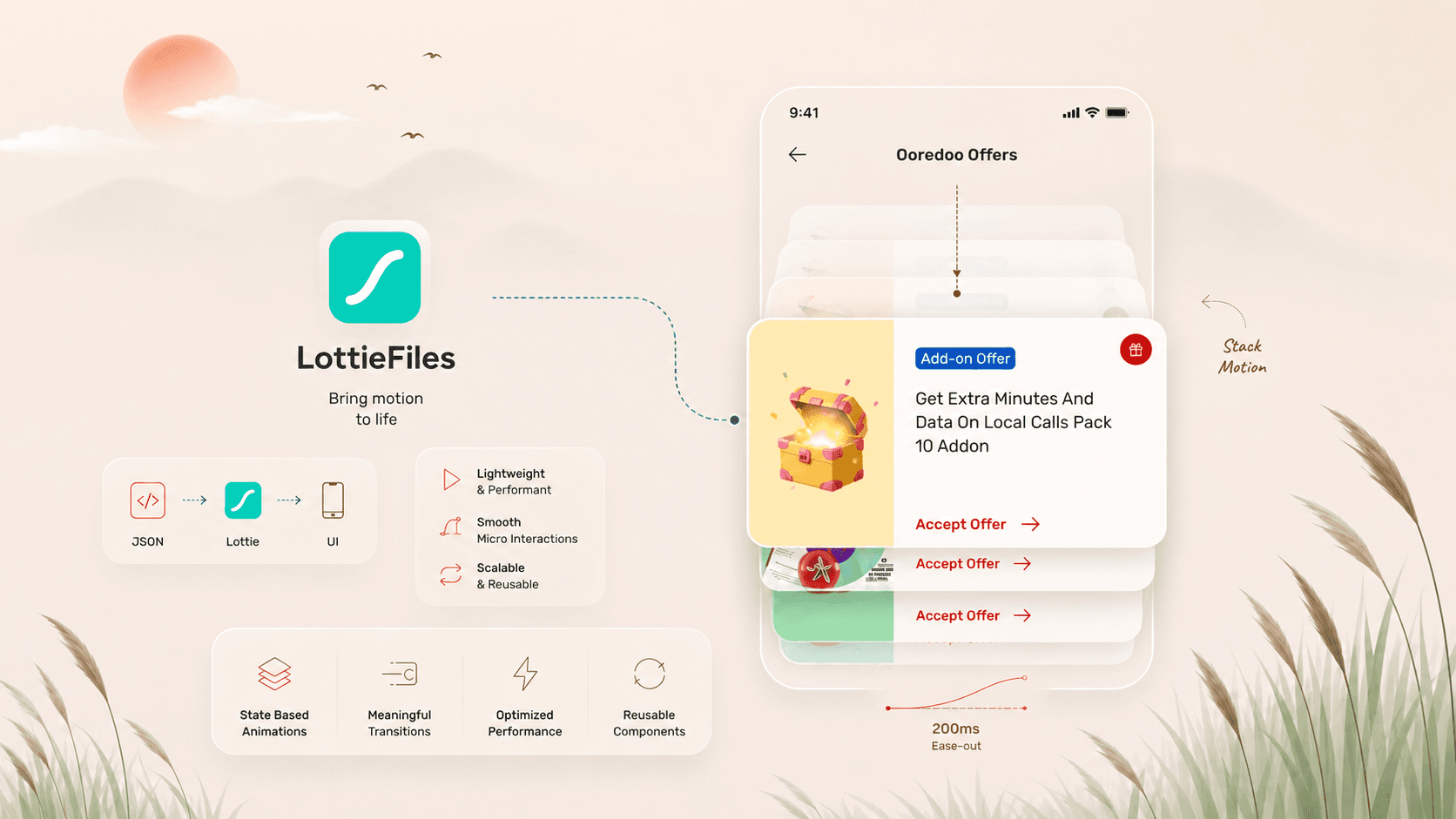
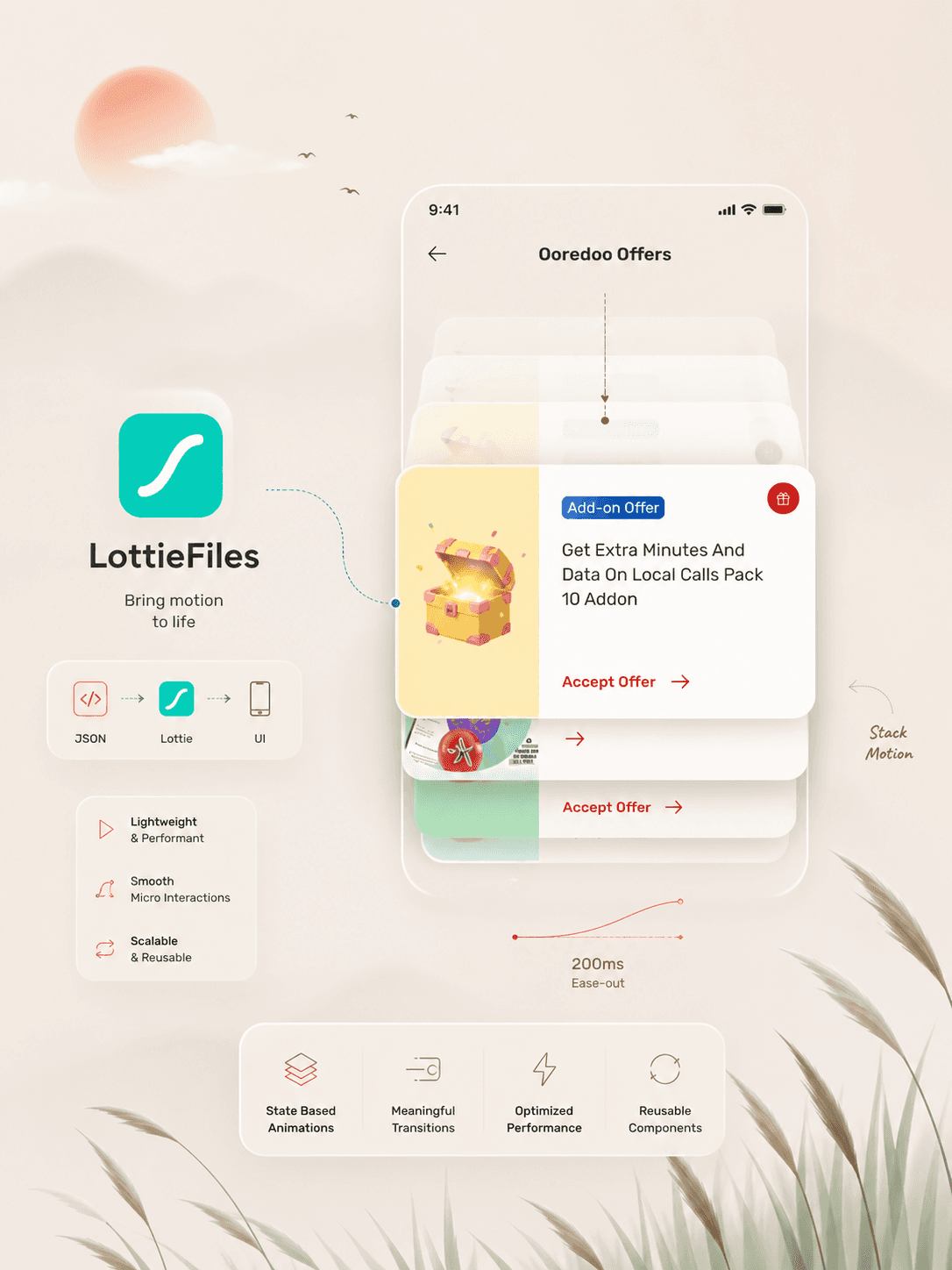
Design in Figma, animate in Jitter, export via Lottie. No rebuilding between tools. The Lottie plugin lets me preview animations directly in my design files before handoff.
The Bottom Sheet
This bottom sheet tells the user "you've unlocked something." Its whole job is to be noticed before it gets dismissed.
Bottom Sheet Animation prompting users to unlock Offers
First I tried Move and Scale in Animation with Jitter Plugin from Figma
Fade is too subtle in a busy interface. Users scroll past fades without registering them.
Scale raised margin concerns at that stage of layout.
A directional slide has visual momentum.
Move & Scale In animation risks users miss seeing the "unlocked" offers
Final Result
1st Animation is move and scale in
2nd Animation is three cards (max offers) cascading down like from a card wallet
3rd Animation is subtle yet visible lock -> unlock Lottie that slowly fades to 0% opacity
Final Animation with three offer cards and a Lottie
How I used Lottie Files and Jitter?
I designed the screens in Figma, connected Lottie via Lottie pluggin and edited the Lottie as per the brand colours of the brand, then I exported the file in Jitter and there I continued to build on the animation with Jitter Plugin of Figma.
Some Other Animations that I designed that did not make it to the final round
But worth displaying here
Alternative Animation Option
Collaborating with the developer
I walked through the wallet-style card stack concept: cards unlock, stack, move downward with layered opacity. Before anything else, I asked directly: is this realistic to ship in React Native?
That opened up the real conversation. Implementation risks on the table:
Linking multiple cards in sequence needs careful state management
Scroll interruptions mid-animation break behavior on real devices
Backend needs conditional logic for which offers unlock and when
Complex animations degrade on lower-end hardware
Design-engineering collaboration on animation means bringing the intended interaction, pressure-testing it together, and adjusting toward something shippable.
© 2026 Design Portfolio All rights reserved. Designed by Bisma Munawar